8/13/26Less than 1 minute
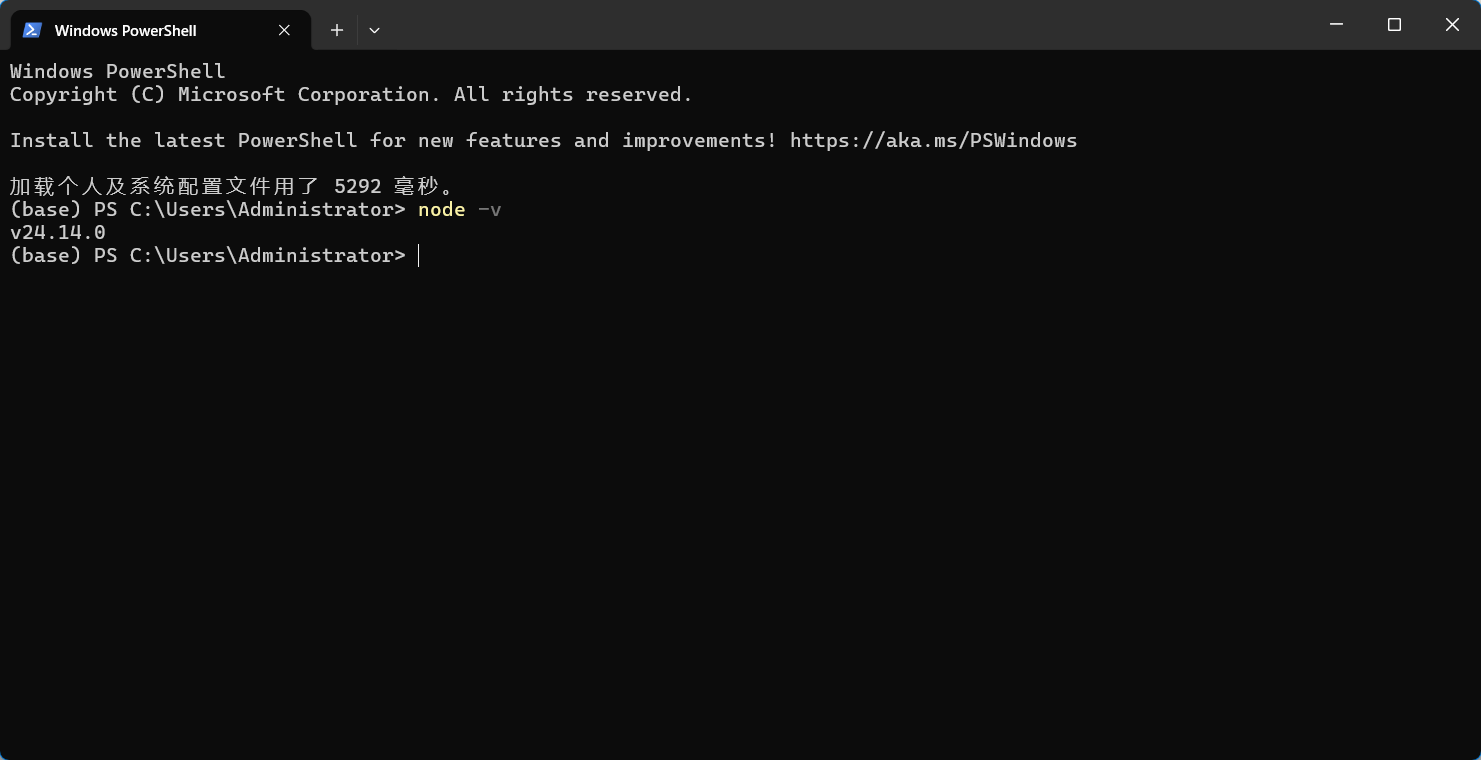
Check Node.js
Open a terminal on Windows or macOS and run the following command. If no version number is shown, install the latest version of Node.js first.
node -vDownload: Latest Node.js release
Install the CLIs
Run the following commands in your terminal to install Claude Code, Codex, and Gemini CLI:
npm i -g @anthropic-ai/claude-code@latest
npm i -g @openai/codex@latest
npm i -g @google/gemini-cli@latest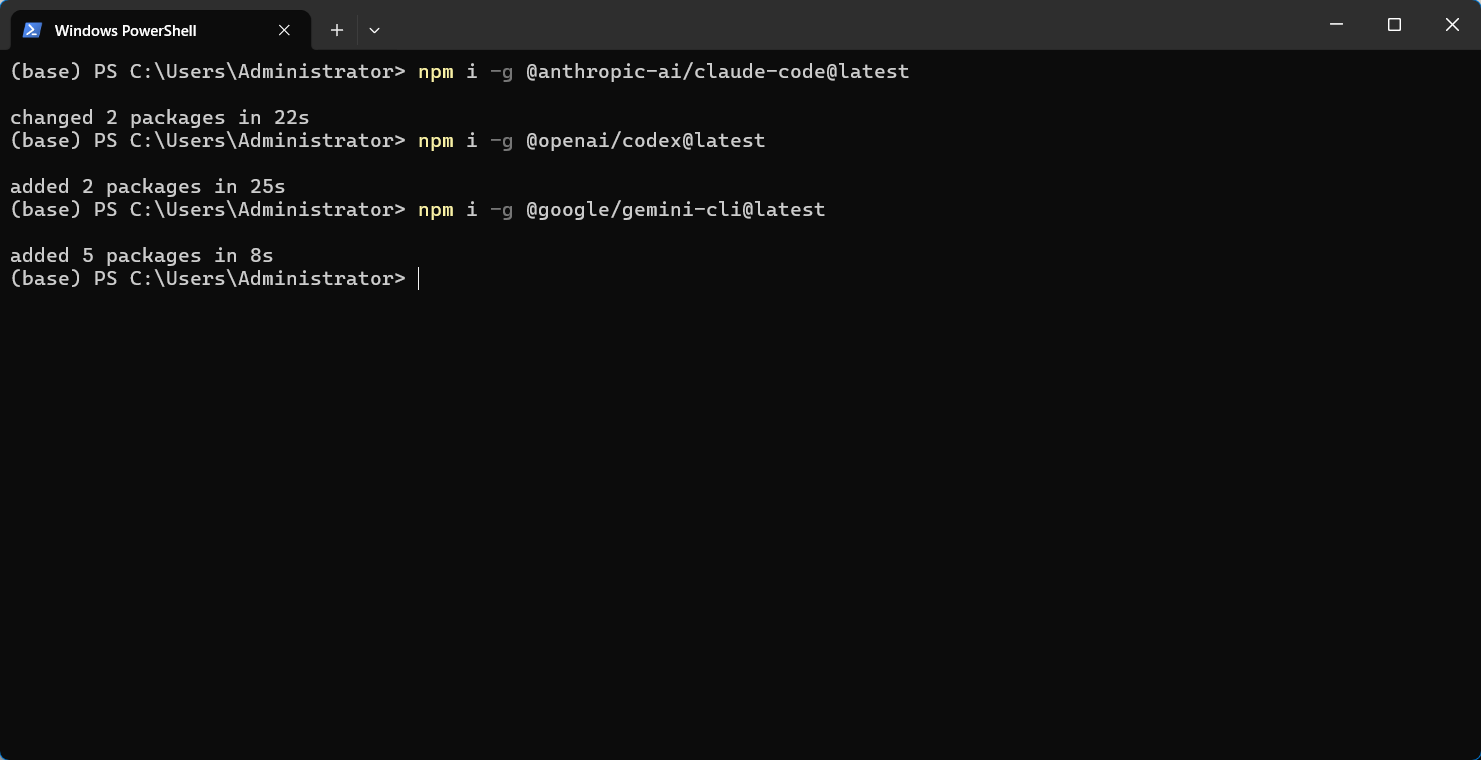
Test the installation
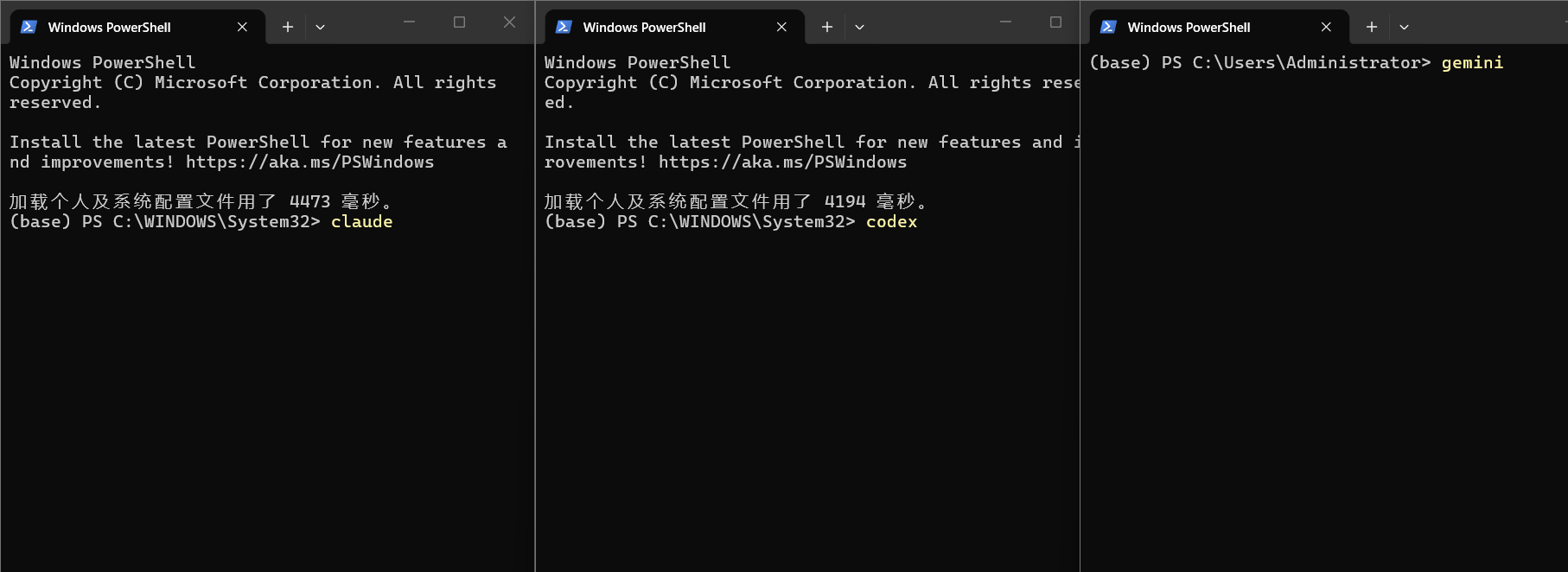
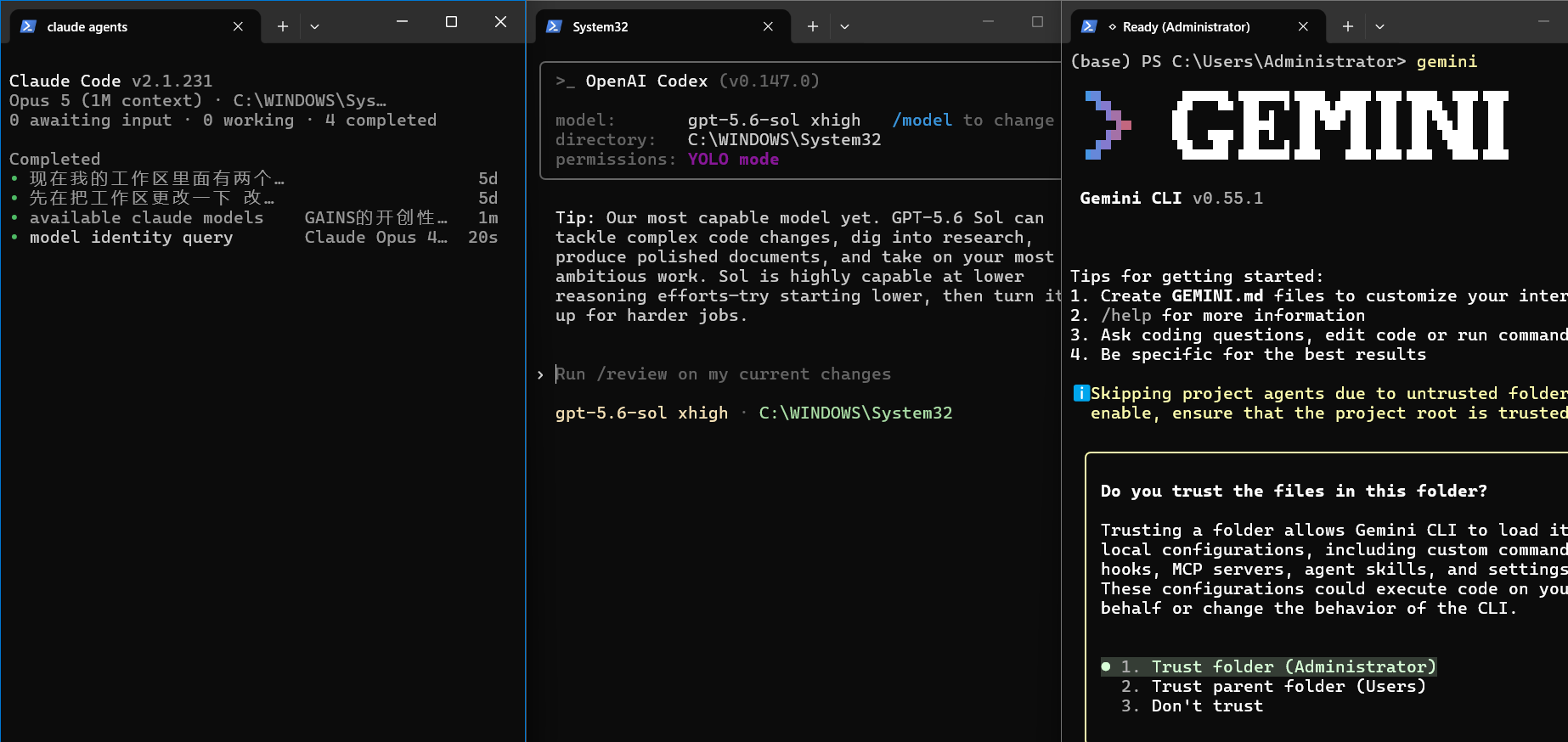
Open three terminals and run claude, codex, and gemini. If each CLI opens successfully, the installation is complete.
Common issue
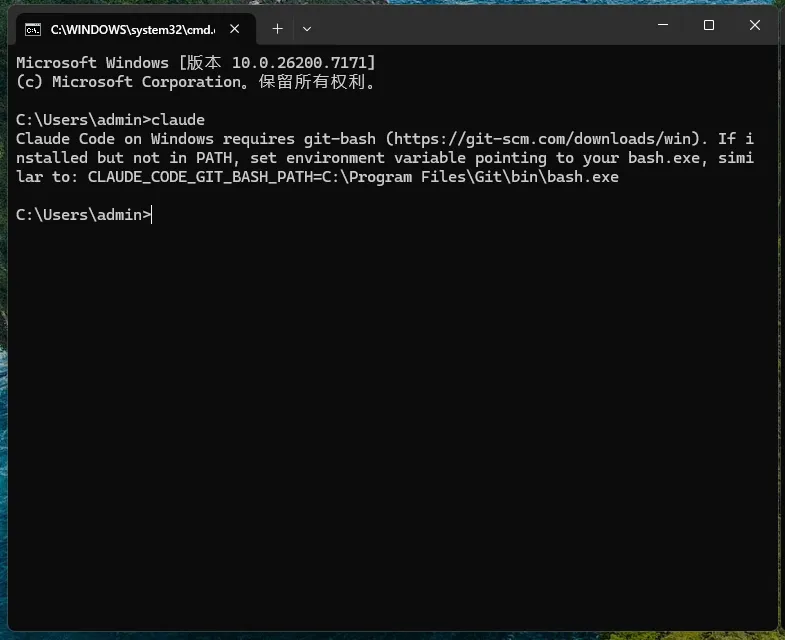
Claude Code reports that Git is missing
Install the latest version of Git, then restart the terminal and run claude again.