8/13/26Less than 1 minute
Tips
For the easiest setup, use CC-Switch.
- Open the Claude Code configuration directory.
Windows
start "" "%USERPROFILE%\.claude"macOS / Linux
open "$HOME/.claude"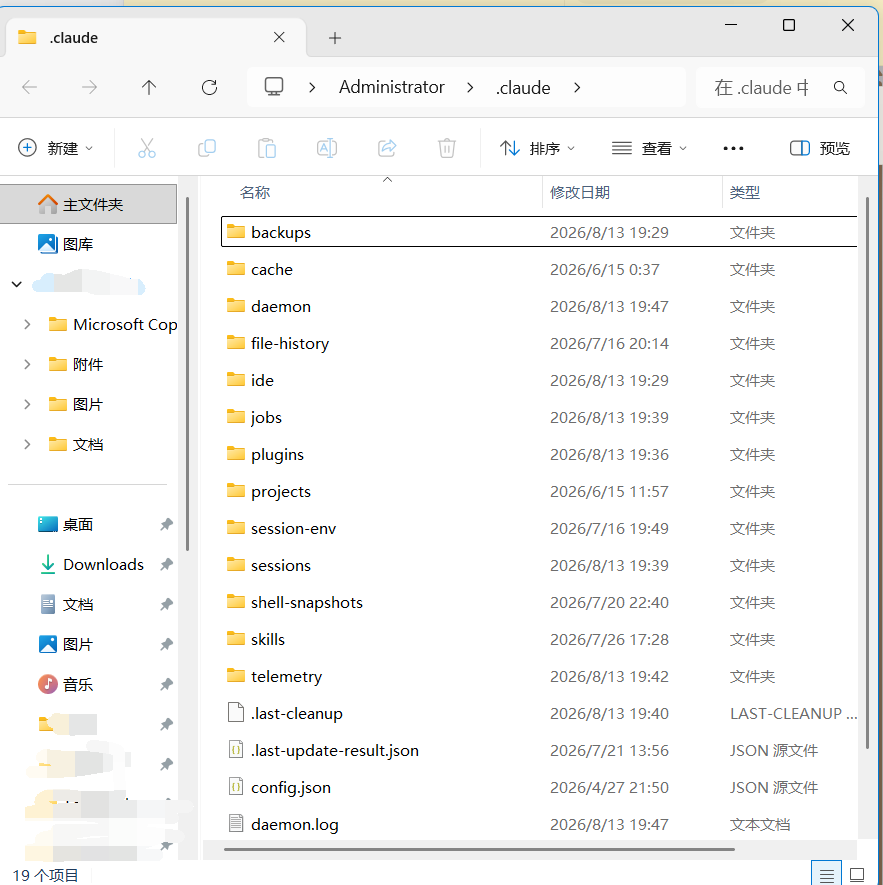
- Create
settings.jsonmanually and add the following content.
Important
This example uses the official Claude service group. If you use another group, replace ANTHROPIC_BASE_URL with the address provided for that group.
{
  "env": {
    "ANTHROPIC_AUTH_TOKEN": "",
    "ANTHROPIC_BASE_URL": "https://api.4i.codes",
    "CLAUDE_CODE_DISABLE_NONESSENTIAL_TRAFFIC": "1"
  }
}
Put the API key created in the 4i.codes console into
ANTHROPIC_AUTH_TOKEN, then save the file.Run
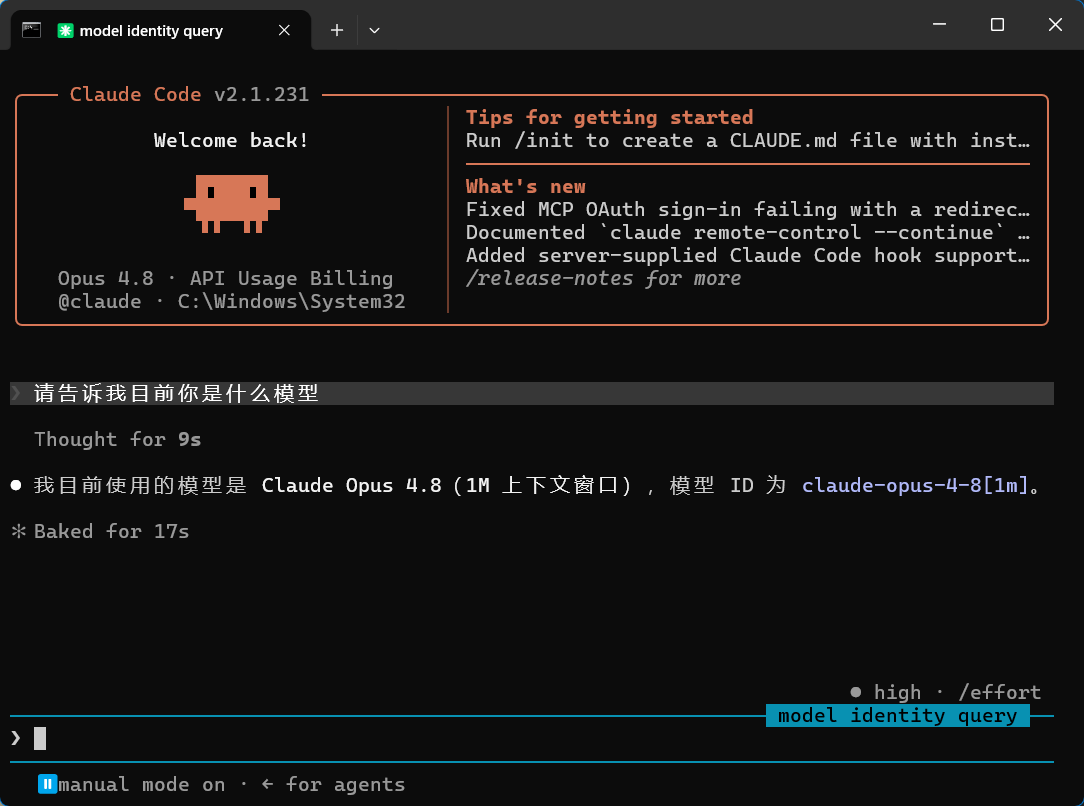
claudein the terminal and send a message to verify the configuration.