8/13/26Less than 1 minute
What is CC-Switch?
CC-Switch manages API providers for Codex, Claude Code, and Gemini CLI. It can import providers, switch configurations, manage MCP servers, and run a local proxy.
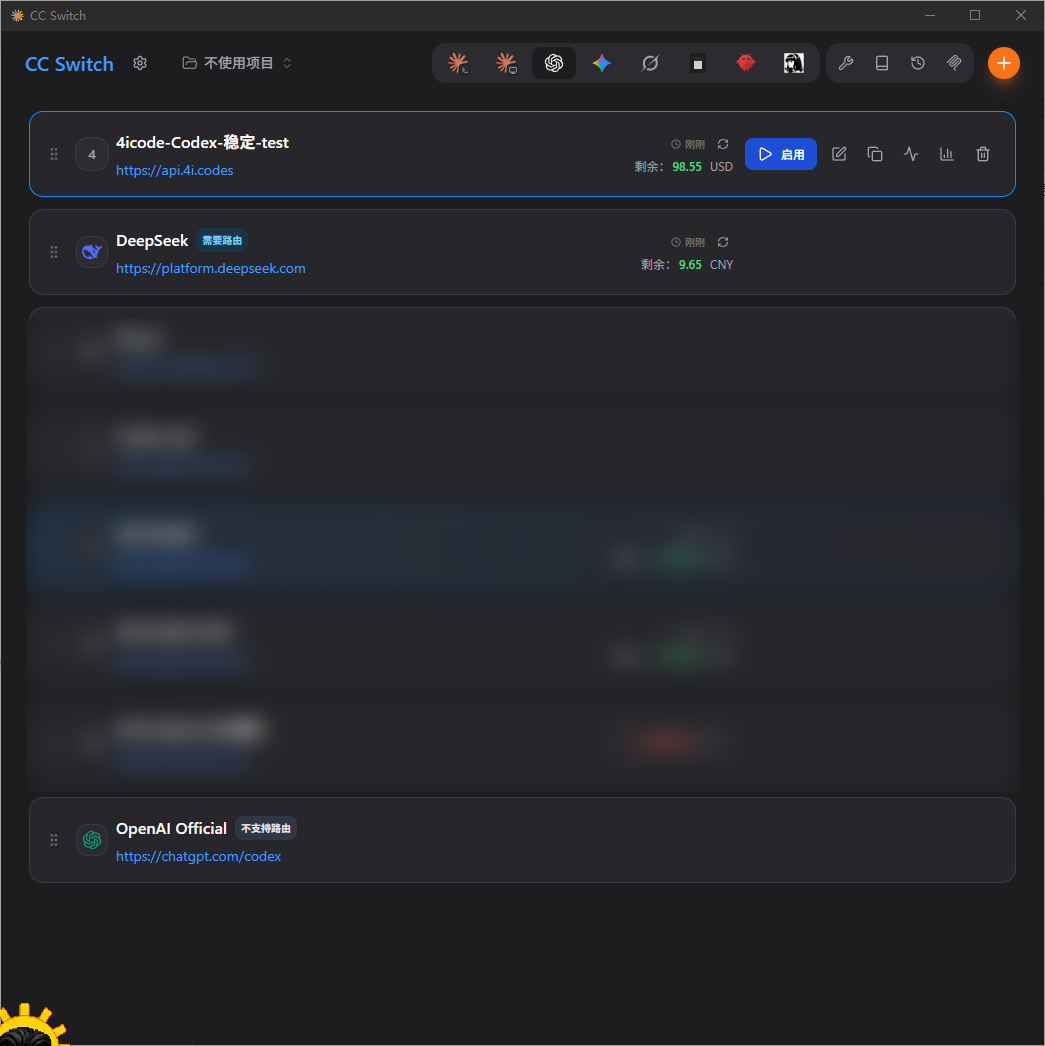
Install CC-Switch
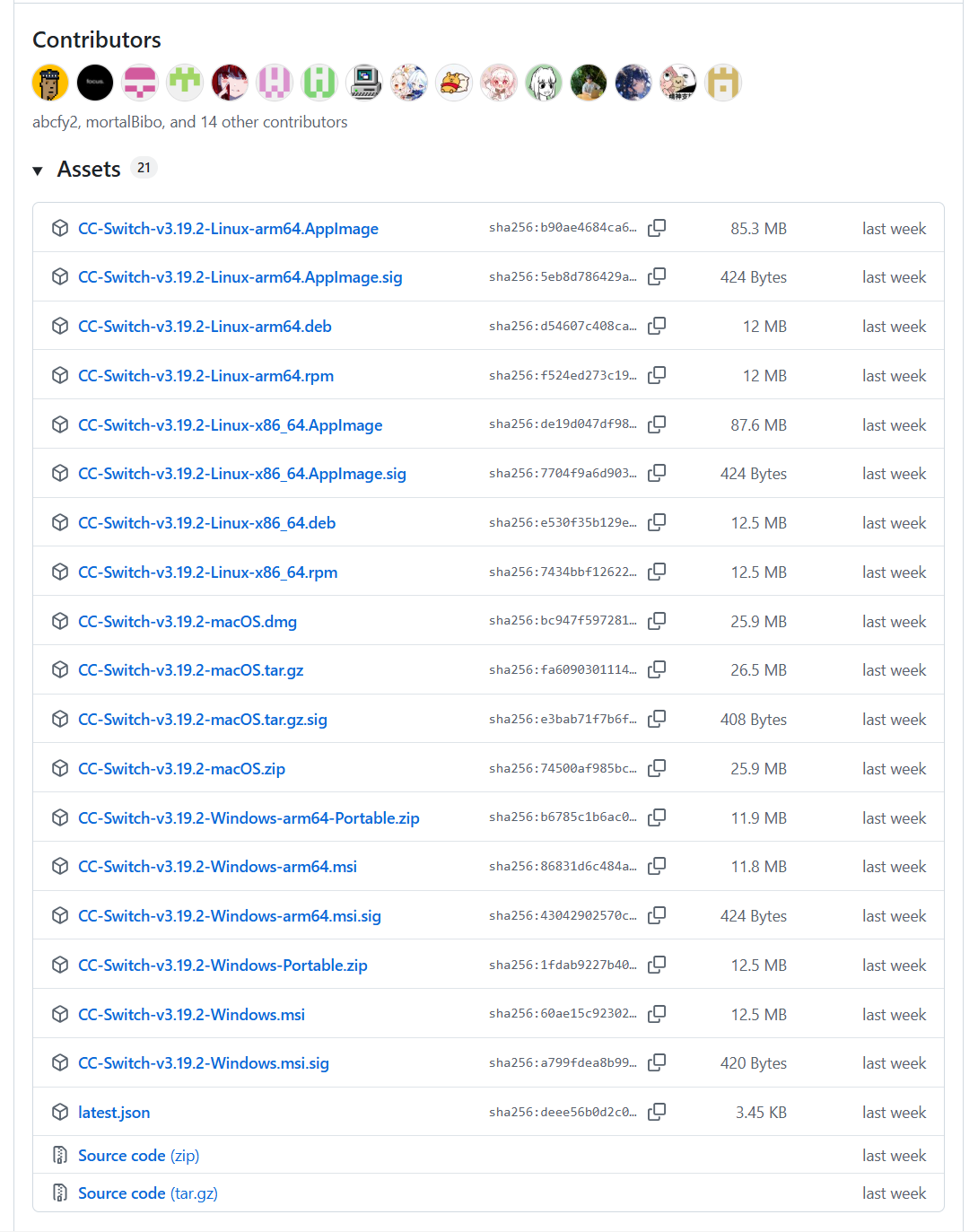
Download the latest release from the CC-Switch website or GitHub Releases.
Import 4i.codes
- Install and open CC-Switch.
- Sign in to 4i.codes and open API Key management.
- Create a key and select the service group you want to use.
- Find the key in the list and click Import CCS.
- Allow the browser to open CC-Switch, confirm the provider, and enable it.
- Restart Codex, Claude Code, or Gemini CLI and send a test message.
Tips
You do not need to enter the Base URL or API key manually during import. 4i.codes generates the provider configuration from the key's service group.
Import rules
- OpenAI groups are imported into Codex.
- Claude groups are imported into Claude Code.
- Gemini groups are imported into Gemini CLI.
- Antigravity groups require you to choose Claude Code or Gemini CLI.
- To use GPT models from Claude Code, enable routing in CC-Switch.
Warning
An API key grants model access and can incur charges. Never share a complete key or commit it to a public repository.