8/13/26Less than 1 minute
Create an API key
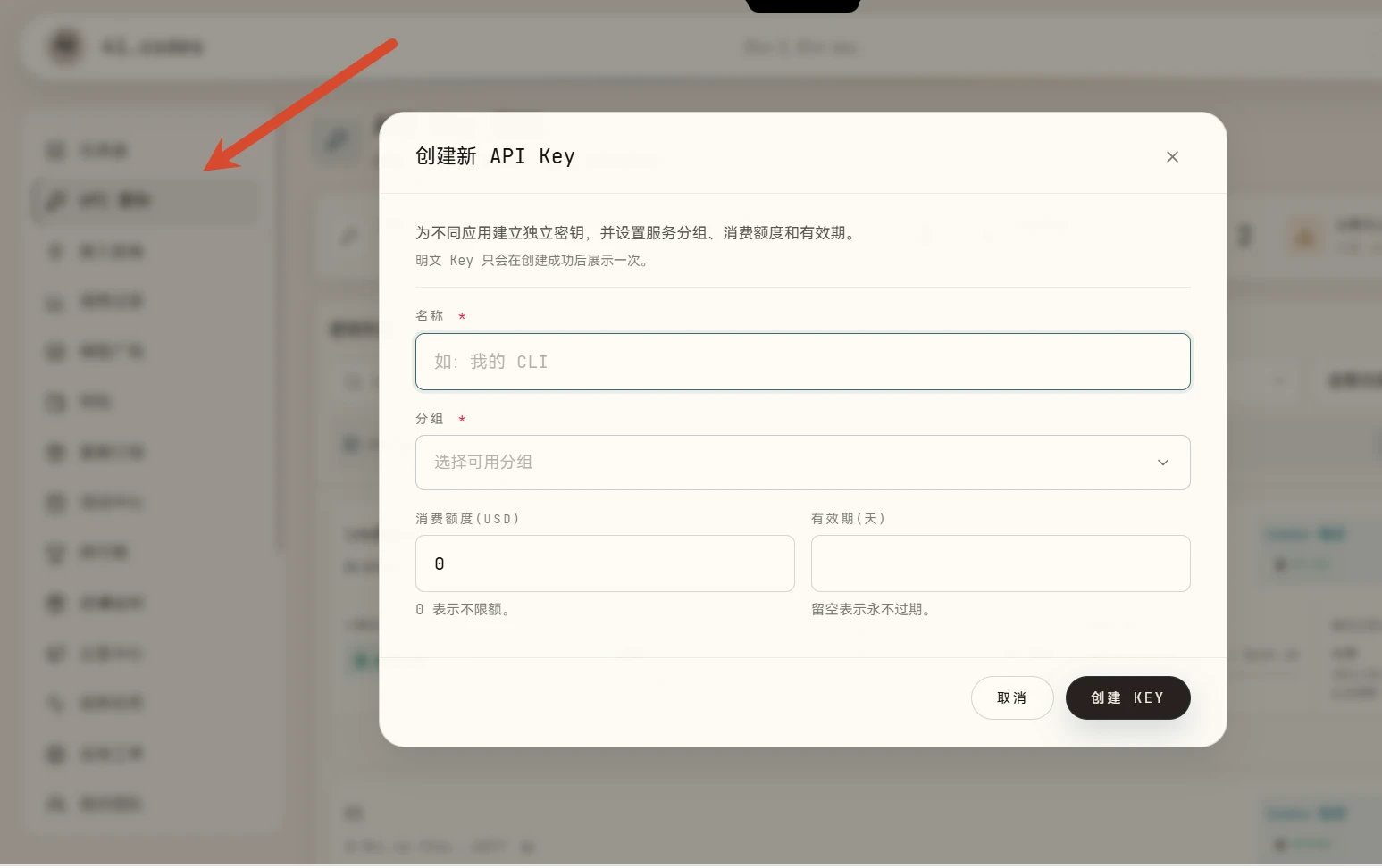
- Open the console and select API Keys from the sidebar.
- Click Create key.
- Give the key a descriptive name and select the required service group.
- Keep model restrictions at their default unless you have a specific reason to limit access.
- Save the key securely. Treat it like a password.
Warning
Never publish a complete API key, commit it to a repository, or send it to another person. If a key may have been exposed, revoke it and create a replacement immediately.
Access and billing
- The selected service group determines which providers and models the key can access.
- Key usage is charged to the account or team that owns the key.
- A key without balance access, or an account without sufficient balance, may receive HTTP
429.